Choose a listening library
1. Spotify
Spotify offers subscription music listening. Compare the current plan and the features available on your devices, including downloads, before committing. Look for the albums you actually play rather than deciding from a headline catalog size.
2. Apple Music
Apple Music is another subscription listening option. Check support on your phone, speakers and other devices, then compare how easily you can find and organize familiar music.
3. Apple Music Classical
Apple's music-service overview describes a companion app focused on classical music. Its specialized browsing can help when the work, performer and recording all matter. Confirm the qualifying subscription and current platform requirements.
Discover music in different ways
4. Shazam
Shazam identifies music playing around you or in supported apps and websites. Use it to investigate a song you hear, then check the identified recording. Recognition is a different job from providing a complete listening subscription.
5. SoundCloud
The official SoundCloud apps provide mobile access to the service. Explore the artists and tracks that interest you and check which listening features your account includes.
6. TuneIn
TuneIn brings together radio and other audio programming. It suits browsing stations and scheduled shows. Check whether a particular station is available where you are and distinguish live programming from an on-demand album library.
Record a sketch or build a production
Apple's app catalog describes three different tools for creating audio. Confirm compatibility with your exact device before choosing.
7. Voice Memos
Use a straightforward recorder to capture a melody or practice idea. Give each recording a useful name and date so you can find it later. Record other people only with their permission.
8. GarageBand
GarageBand provides instruments and recording tools on supported Apple devices. It is an option for arranging a song rather than simply capturing a quick voice note.
9. Logic Pro
Logic Pro is a music-production application for supported Mac and iPad systems. Consider it when your recording or editing requirements justify a more involved workflow. Check purchase or subscription terms and any additional hardware you need.
Add structured practice if that is the goal
10. Piano by Yousician
The developer's Piano by Yousician listing describes lessons and feedback while you play. Review the available content, device requirements and paid features before subscribing.
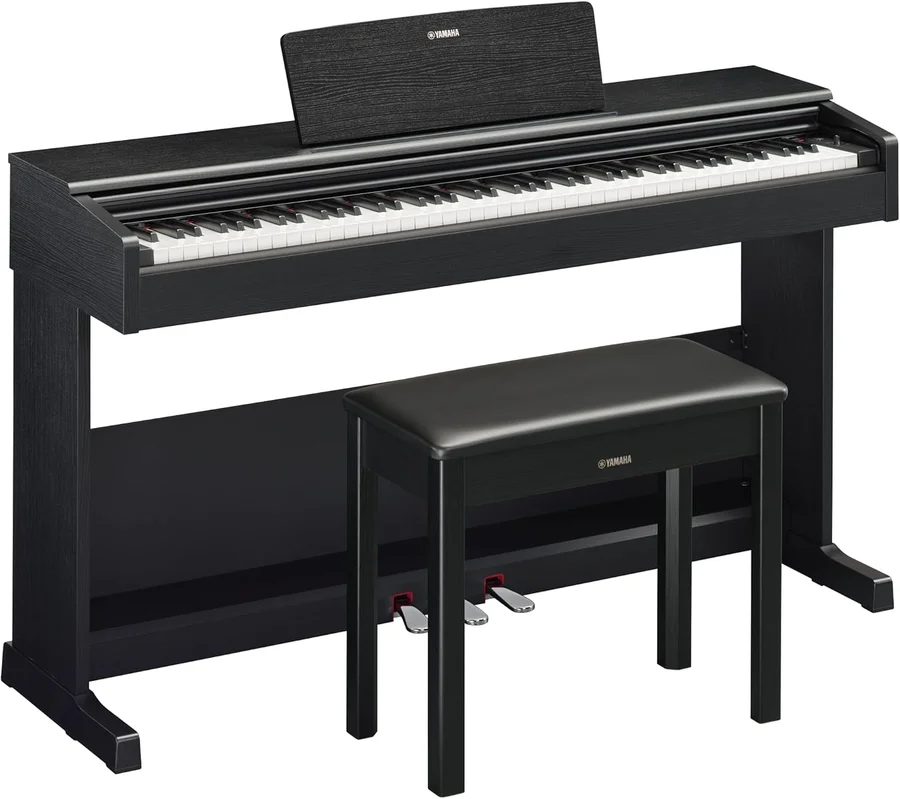
An app's feedback does not establish that every aspect of playing technique is correct. If a passage is confusing or uncomfortable, seek appropriate instruction rather than repeating it solely to improve an on-screen score. Our digital-piano comparison helps with a separate instrument purchase.
Try the workflow before paying twice
Test a specific task: finding an album, identifying a song, recording a short idea or completing a practice exercise. Check cancellation terms and whether saved content remains accessible after a subscription ends.
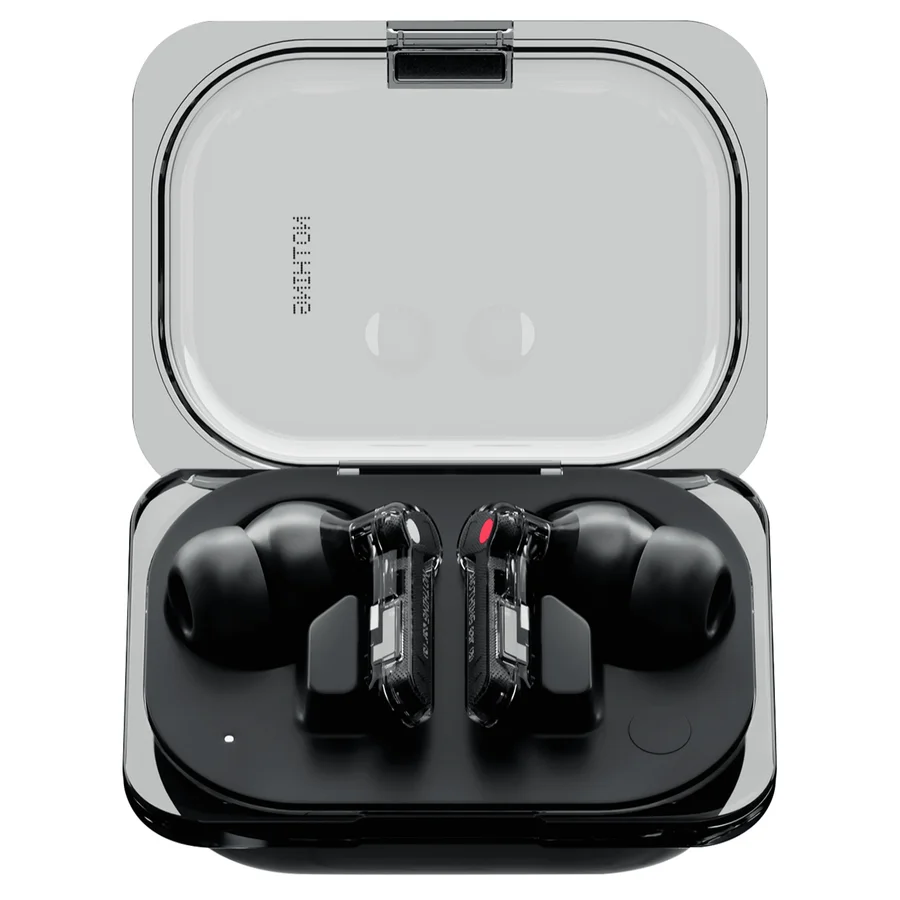
Before traveling, test the exact downloaded material without a connection. Availability and offline behavior vary by service and plan. If you also need listening hardware, our earbud guide covers a separate set of fit and compatibility questions.
Start with the task, not the download count
A music app can provide a subscription library, radio stations, song identification, recording or a place to share original work. These are different jobs. Write down what you expect to do each week before comparing a list of ten names. A streaming service is useful only if it has the recordings you want on devices you own. An identification tool such as Shazam helps discover a track but is not a replacement for a listening library. Apple’s Shazam guide describes that narrower task. Keep the categories clear so a versatile list does not become a misleading ranking.
Test the library with familiar music
Search for five albums or artists you return to often, including less famous recordings. Check the exact version, region and whether it plays on your phone and speakers. A headline catalog size does not tell you whether your preferred edition is available. Try search, playlists and queue controls during a short trial. If classical music is important, compare how the app handles composers, works and performers. If independent artists matter, check the platform where they actually publish. The best service is the one that lets you find and enjoy the music you want without an awkward workaround.
Check offline use before travel
Offline listening may depend on a paid tier, a supported device and periodic account checks. Spotify’s offline help explains what Premium members can download; Apple’s Music guide describes downloading subscribed content. Read current terms for the service you choose. Download a playlist while connected, put the device in airplane mode and test it. Check available storage and whether reinstalling the app removes downloads. A “download” button does not necessarily mean you own a permanent audio file.
Consider the devices in your home
Check whether the app works on your phone, computer, car system, smart speaker and television. Some functions vary by platform or subscription, even when the app name is the same. Try the actual handoff you care about: starting on a phone and continuing on a speaker, for example. Review family account options and how playlists are shared. A service that works beautifully on one device can be frustrating if the person who uses the living-room speaker has a separate account. Build a small compatibility list before committing to a year-long plan.
Separate discovery from production
A music-maker may need a recorder, instrument app or multitrack workstation rather than another streaming subscription. Try capturing a melody with a basic recorder first. If the goal is arranging several parts, check the software’s file format, audio-interface support and export options. Apple’s GarageBand support notes that external interfaces and plug-ins must be compatible with the current version. Keep original project files and a simple exported audio copy. The app should fit the creative workflow and the hardware, not merely have an attractive store description.
Keep listening comfortable
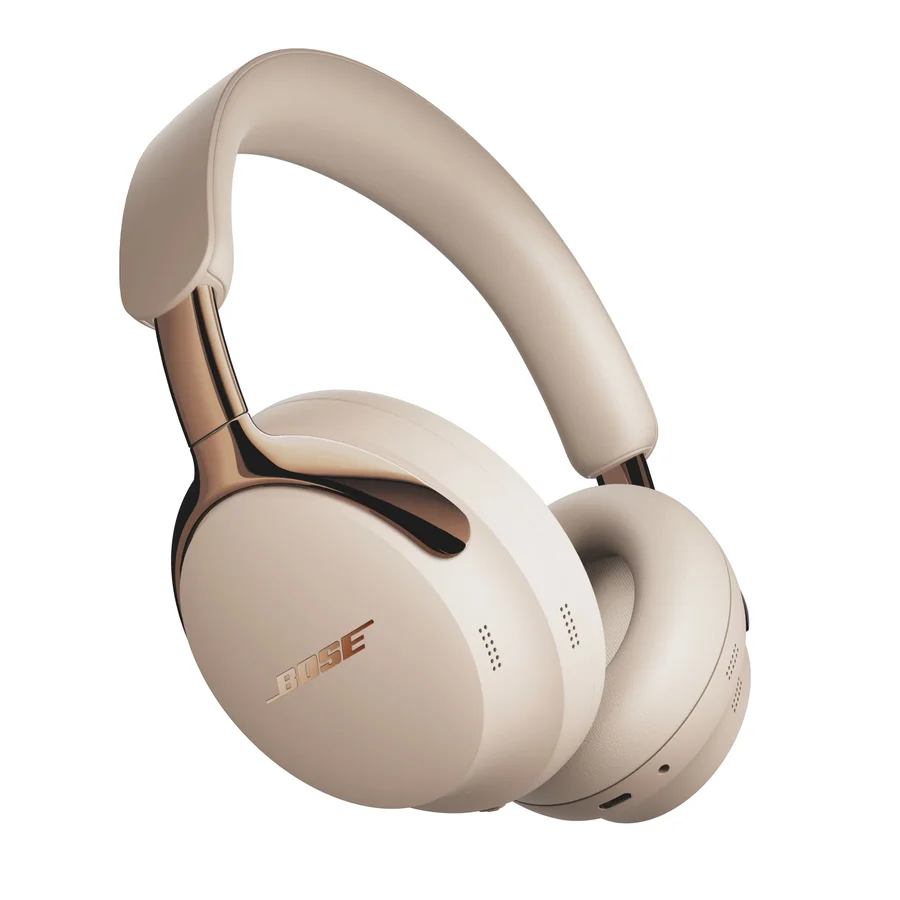
A better app does not require higher volume. The National Institute on Deafness and Other Communication Disorders’ hearing guidance explains that loud sound exposure over time can damage hearing. Set a comfortable level, take breaks and consider how well the headphones isolate outside noise before turning up the volume in a noisy place. Use device volume controls where available. This is a listening habit rather than a ranking criterion, but it affects whether a favorite service remains enjoyable in daily use.
Review terms and data before paying
Compare the current price, trial end date, cancellation process, family rules and whether a saved library can be exported. Do not assume a former plan’s features remain included. Read what the service collects about listening and which sharing settings are on by default. If you leave, save playlists or purchase records that matter to you. Keep a list of the songs you truly want, then choose the app that serves that purpose across your devices. A “top ten” list is most useful when it helps you narrow to a small, tested set rather than installing all ten. Recheck the official app page when you are ready to subscribe. Features, supported regions and prices can change, while a saved list in an older article may remain online for years. Keep the date of your comparison beside the decision.
This article draws on the linked primary sources and practical explanations. It does not report hands-on testing or a personalized assessment.