Define the event and the response
Start with a specific need, such as seeing a visitor at the door or learning that an entry sensor has opened. Decide who should receive the alert and what they can reasonably do next.
Distinguish self-monitoring from a paid monitoring service. Read the actual service terms, including coverage, required subscriptions and the process used after an alert. Do not assume that every connected device can summon emergency help.
Keep ordinary physical security and household routines in the plan. A camera adds information, but its presence does not guarantee that an incident will be prevented.
Check recording and outage behavior
Confirm where recordings are stored, how long they remain available and which functions require a subscription. Compare access to live video with access to earlier clips. These can have different conditions.
Ask what happens if household power, the internet connection or the provider's service fails. Check any battery or cellular backup against the exact equipment and plan. Avoid assuming that a feature mentioned for one package applies to another.
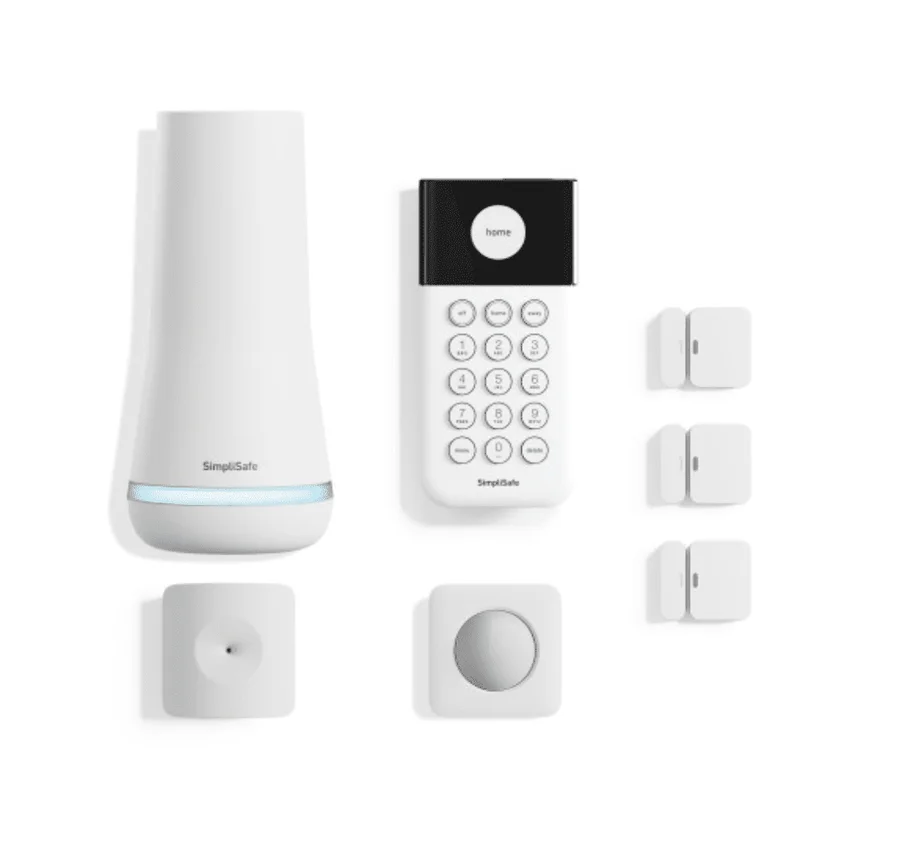
Our security-system comparison helps identify the featured options and their limitations. Use the manufacturer's documentation to confirm the configuration you intend to install.
Secure the account as well as the camera
The FTC's camera-security guidance recommends strong, unique passwords, software updates and two-factor authentication where available. Protect the viewing account and the home network as part of the setup.
Use separate authorized accounts when the system supports them. Give each person the access needed, then remove it when circumstances change. Avoid sharing an administrator password merely to let someone view a feed.
For access while away, follow the supported service and review our remote-viewing checklist. Do not expose an unsecured camera feed to the public internet.
Agree where cameras belong
Discuss placement with the people who live in the home. Aim cameras at the area relevant to the task and avoid unnecessary coverage of private spaces. Check applicable local requirements before recording people or audio.
Review privacy zones, audio settings and recording schedules where supported. Verify the recorded result rather than assuming a setting's name describes exactly what it does.
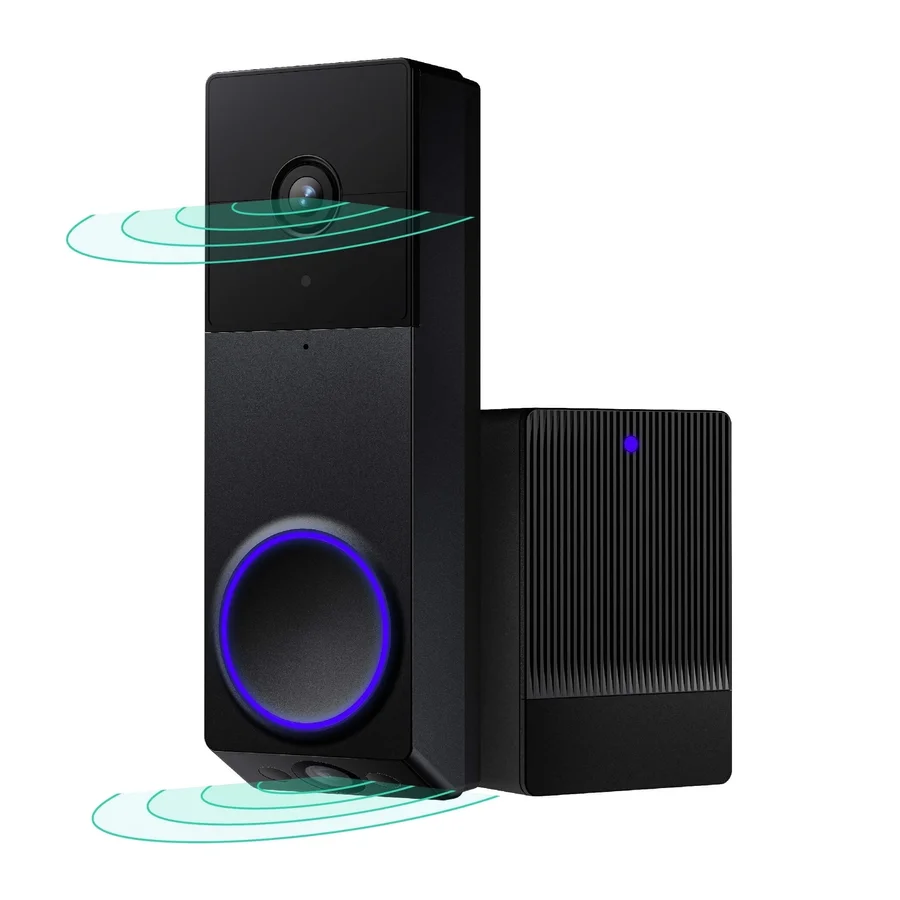
Our doorbell-camera guide covers a common entrance use case. Confirm mounting, power and the actual field of view before choosing a model.
Maintain the setup after the first week
Test alerts with household members, check whether notifications are reaching the right devices and reduce unhelpful triggers using the manufacturer's controls. Keep a record of batteries and maintenance tasks.
Revisit account access when a phone is replaced or a household member moves. Before selling equipment, follow the documented reset and account-removal steps. A system stays useful through routine attention as well as its initial installation.
Match each device to a real household need
A doorbell camera, indoor camera, contact sensor and monitored alarm answer different questions. Start with a short list of events: a visitor at the front door, an open window while away, or an alarm that needs a named person to respond. Then identify the device that can detect the event and the action that follows. More cameras do not automatically mean a more useful system.
Ask whether the household needs a recording, a live view, a siren or a message to a person. Check what happens when nobody is watching the phone. A self-monitored notification may be missed during sleep, travel or poor connectivity. A paid service may have its own conditions and fees. Compare those behaviors in the actual plan terms rather than assuming the word “security” means emergency response.
Secure the network and camera account
The FTC's home-camera guidance recommends checking a camera's encryption, updating its software, using a strong router password and enabling multifactor authentication where offered. Confirm how long the manufacturer supplies security updates and how the owner will be notified of them. A camera that cannot be maintained should be evaluated as a long-term purchase risk, even if the initial video quality is attractive.
Use the router's current security settings and a separate network for cameras if the router and manufacturer support that arrangement. Avoid placing an internet-connected camera on a weak default password. Review the camera's remote-viewing configuration; a convenient public link is a different exposure from a private account that requires authentication. Keep the phone and app updated too, because those are part of the access path.
Test access for every household member
Set up the main account first, then add named users with only the permissions they need. If a cleaner, relative or temporary guest needs access, confirm when it should end. Avoid sharing a single administrator login among several phones; separate accounts make it easier to remove access and recognize activity later.
Test account recovery before an emergency. Who can reset the password? Does a reset sign out old devices? Can you identify devices that are still signed in? These are product-specific questions for the manufacturer's documentation. The NIST consumer IoT profile treats device security as a set of capabilities, including configuration and software updates, rather than a single “secure” badge. A feature list is a starting point for questions, not independent proof that a particular installation is safe.
Limit recording to what you need
Place a camera to cover the intended entrance or room without unnecessarily recording neighbors, private household spaces or routine family activity. Discuss placement and audio recording with the people affected. Rules on recording audio and video vary by location, so check applicable requirements for the property rather than relying on a generic online statement.
Review where clips are stored, retention periods, sharing options and the subscription features that govern access to old footage. Test privacy zones and recording schedules by looking at the resulting footage. A setting can be misconfigured or cover less than expected. The FTC specifically warns that remotely viewed cameras need careful privacy and security choices, especially where a camera could show a private part of the home.
Rehearse an outage and an alert
With household members aware of the test, trigger a routine sensor or camera event and see which phones receive it. Note the delay, whether the alert is useful and whether it can be distinguished from common false alarms. Then check the manufacturer's documented behavior during a power or internet outage. A battery in one component does not imply that the whole system, router and cloud service remain available.
If a plan claims professional monitoring, verify the response process, required contacts and any conditions before relying on it. Keep a non-digital plan for securing the home and contacting help. A practical rehearsal is more informative than an app screenshot because it includes the network, phones and people who will actually use the system.
Maintain and eventually retire the system
Set a calendar reminder to check firmware updates, battery status, camera placement, notification routing and account access. A moved camera, dead battery or changed phone can quietly break a once-working setup. Revisit the system when household members change or when a monitoring subscription renews.
NIST has examined what happens when smart-home devices lose manufacturer support, another reason to ask about update life before buying. When replacing a device, follow the maker's account-removal and factory-reset process before selling or recycling it. Confirm the old device no longer appears in authorized accounts and review stored clips according to the service's retention controls. Home security works best as a maintained process with clear responsibilities, with connected products serving the plan rather than defining it.
This article draws on the linked primary sources and practical explanations. It does not report hands-on testing or a personalized assessment.