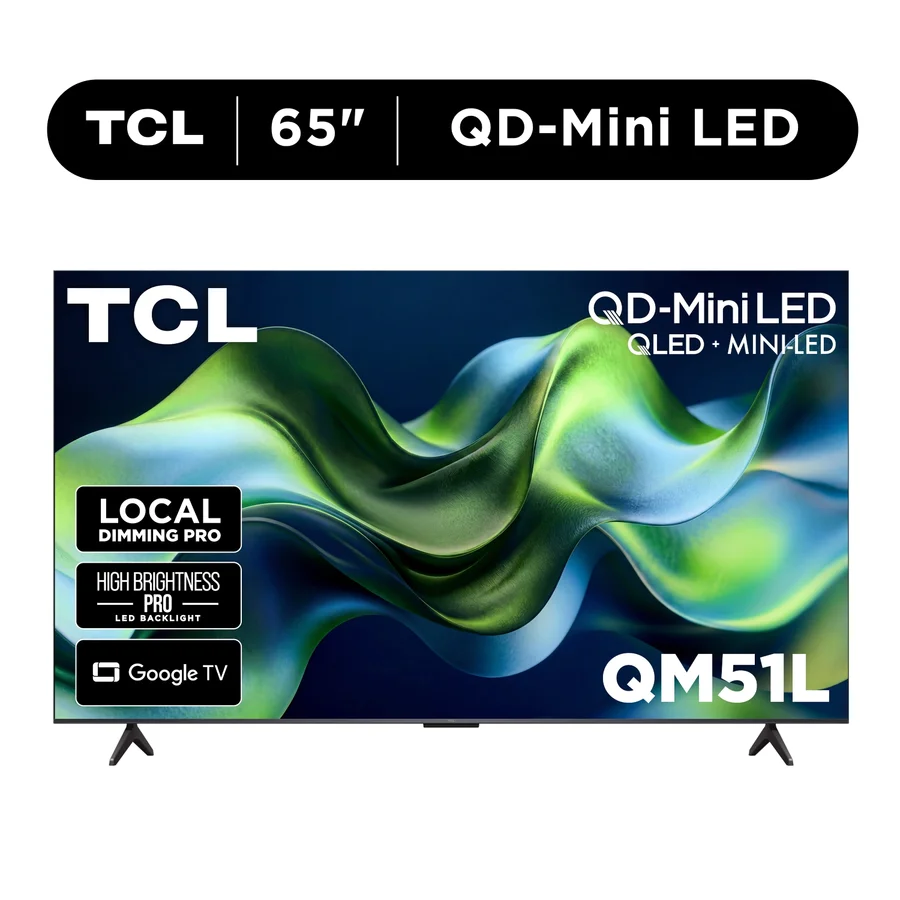

Translate the diagonal into real space
Television sizes describe the screen diagonal. They do not tell you the width of the cabinet, the stand footprint or the clearance required around the set.
For a 16:9 screen, the picture width is approximately 0.872 times the diagonal. A 75-inch screen is therefore about 65.4 inches wide before allowing for the bezel. This is a geometry estimate, not a substitute for the manufacturer's dimensions.
Mark the proposed outline on the wall with removable tape and compare it with the room. Check nearby doors, shelves and the space for speakers. Samsung's TV-size guide provides additional sizing context, but the exact model's specification remains the relevant fit check.
Try the view from every regular seat
Measure the distance from the screen to the usual viewing positions. Consider whether people sit centrally, at an angle or much closer than others. Ask everyone to judge the proposed screen area from their normal seat.
There is no single comfortable size for every person and program. Subtitles, sports graphics and lower-resolution sources can change how a large picture feels. If possible, view familiar material on the shortlisted size.
Our mounting-height article covers a separate comfort question. A large television mounted too high can still be awkward to watch.
Compare the picture and connections separately
4K describes resolution. It does not establish brightness, reflections, viewing angles or motion handling. Compare the exact model and size rather than applying a review of one series to every television from the same brand.
List the devices you will connect and identify the input features each requires. Include the port used for audio return if you have a soundbar or receiver.
Our 4K television comparison and model-focused brand comparison help organize the shortlist. Neither replaces confirming the regional version you are ordering.
Plan delivery and support before checkout
Check the packaged dimensions against doors, stairs and turns along the delivery route. Confirm what the delivery service includes and whether the package must be inspected within a specified period.
For a stand, check the supported load and the spacing of the television's feet. For wall mounting, match the mount, television and wall construction, using the manufacturer's instructions and a qualified installer where needed.
Do not estimate installation requirements from the screen diagonal. Keep the exact weight, mounting pattern and instructions with the order.
Leave room in the budget for everyday use
Include installation, cables or audio equipment only where they are actually required. Check warranty and return terms for the seller and the regional model.
Once installed, adjust the picture for normal room lighting and try several seating positions. The successful purchase is the screen that works for the household after the delivery box has gone.
Measure the cabinet, not only the diagonal
A 75-inch label measures the picture diagonally. The overall cabinet, feet and packaging can be considerably wider or deeper. Use the exact model’s dimensions with and without stand, then mark the proposed outline with removable tape. Leave the maker’s required ventilation space and check that a door, cabinet or speaker will not collide with the set. Samsung’s size guide gives approximate screen dimensions but also warns that actual product dimensions vary. A room sketch with furniture and door swings is more dependable than deciding from the diagonal alone.
Test every regular seat
Measure viewing distance from the screen to each normal seat, not just the center of the sofa. Ask the people who share the room whether subtitles, sports graphics and everyday programs remain comfortable from their positions. Samsung’s buying guide offers distance starting points for 65- and 75-inch models, but comfort and source quality vary. A very large screen can be immersive for film while making lower-resolution content or far-off-center viewing less pleasant. If possible, compare sizes using familiar material at the actual distance before committing.
Check the route into the room
Measure the box, not only the bare television, against doorways, stair turns, lift dimensions and the vehicle used for delivery. Confirm whether the retailer delivers to the room, unboxes the unit and removes packaging. Large screens can be fragile and awkward to carry; follow the maker’s handling instructions and use enough people or a professional installer. Plan a clear space to open the box and keep the packaging until you know the set is undamaged and working. A TV that fits the wall but cannot safely reach it is the wrong purchase for that installation plan.
Choose a stand or mount early
For a stand, verify foot spacing, furniture depth, load capacity and the set’s stability. For wall mounting, check the exact model’s mounting-hole pattern, weight and approved hardware. VESA’s mounting-interface overview explains the standardized interface, but the wall, anchors and installation still need a suitable design. Keep power and signal cables accessible without pinching them. Determine the viewing height from seated eye level and the room layout. A professional installer can assess the wall when its structure or the TV’s weight is uncertain.
Match picture technology to the room
Resolution alone does not determine how the screen handles daylight, reflections, dark scenes or motion. Compare OLED and backlit LED designs using the conditions in your room, then check model-specific reviews and specifications. A bright, reflective space may lead to a different choice from a dim film room. Look at the exact size and series, because features can vary within a product family. The source material matters too: a large 4K panel can show the limits of a compressed stream more clearly. Test familiar daytime and evening content if a retailer demonstration is available.
Count every source and accessory
List consoles, streaming boxes, disc players and an audio system before checking HDMI ports. An eARC connection may occupy one of the available inputs. Verify which specific port supports the resolution and refresh rate needed by each device; do not assume every port has identical capability. Check whether the television supports the apps you actually use and what account or subscription they require. Allow room for cables and a soundbar without blocking the picture or remote sensor. A neat setup is easier when the connection plan is made before the screen is fixed to the wall.
Compare the complete purchase cost
The TV price is only one line. Add delivery, installation, a suitable mount or furniture, cable changes and any optional protection plan. Read the manufacturer warranty and seller service-plan terms separately. Confirm the exact model code, size and included accessories on the order before paying. Decide who will set up accounts and apply firmware updates on arrival. If an offer includes a bonus item, check its redemption rules rather than treating it as a cash discount. A larger screen is worthwhile when it fits the room, the route, the shared viewing needs and the total budget. Make a final checklist with four columns: physical dimensions, everyday viewing, connection requirements and total delivered cost. Put a pass or unresolved question beside each row. If one major item is uncertain, obtain the exact manufacturer specification or installer assessment before ordering. That simple pause can prevent a costly return of an oversized, fragile item.
This article draws on the linked primary sources and practical explanations. It does not report hands-on testing or a personalized assessment.