The Gadget Nerds / Look beyond the screen size

TCL TVs for your kind of screen time.

A 55-inch QLED and a 75-inch QD-Mini LED differ in more than size. Compare three exact TCL listings by display family, smart platform and the specifications that still need checking for your room.

3 products comparedResearch checked November 3, 2026

Category illustration. Compare the real products below.

A note on links. Product links take you directly to Walmart. No affiliate tracking has been added to these links. Seller, price, delivery and availability can change. This guide is based on research, not hands-on testing.

01 / The shortlist

3 options. Different reasons to choose.

Start with the job you need it to do. These selections are organised by use case rather than sorted by editorial score.

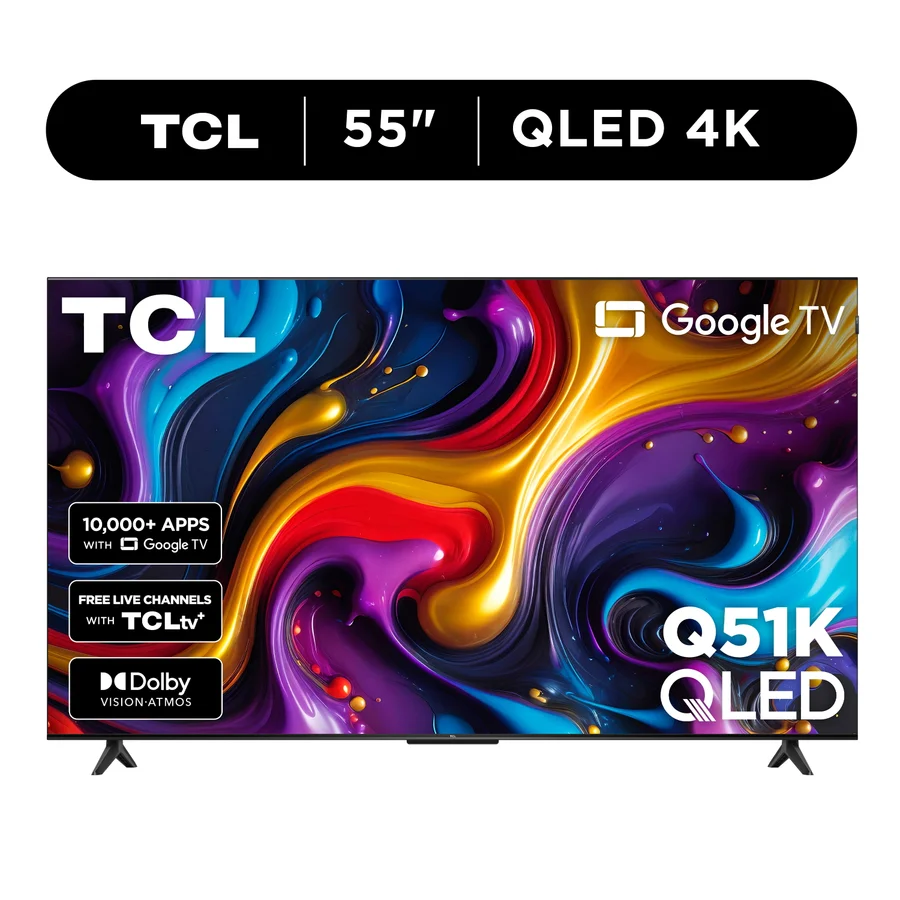
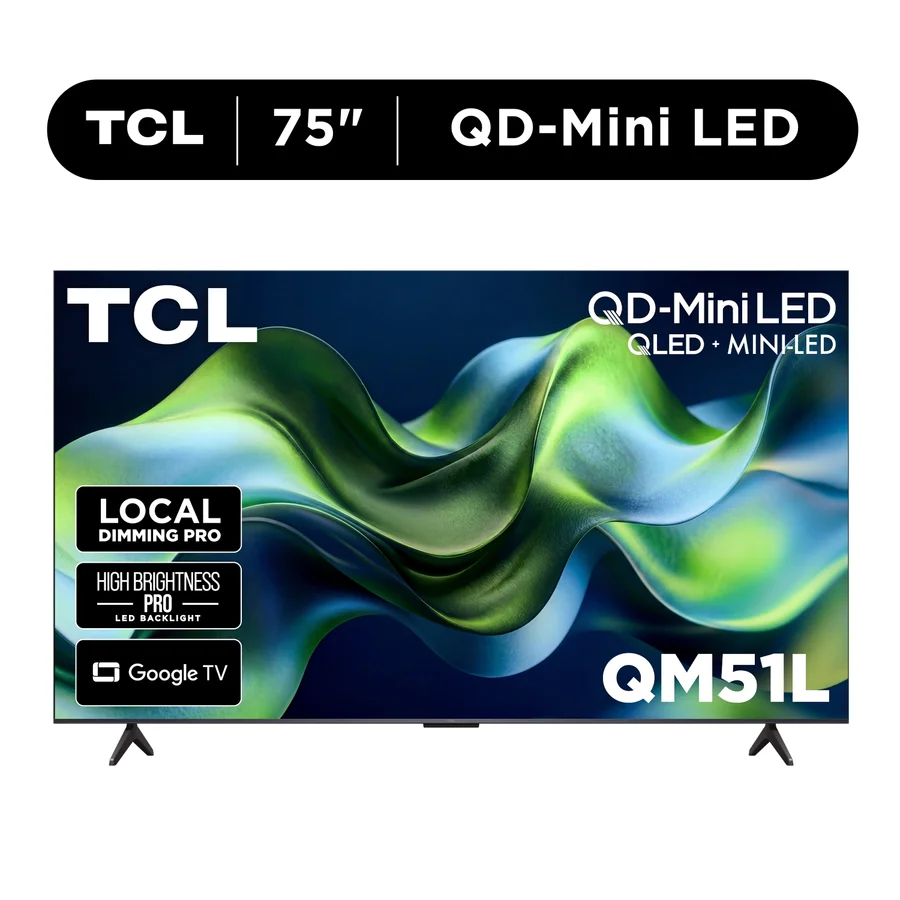
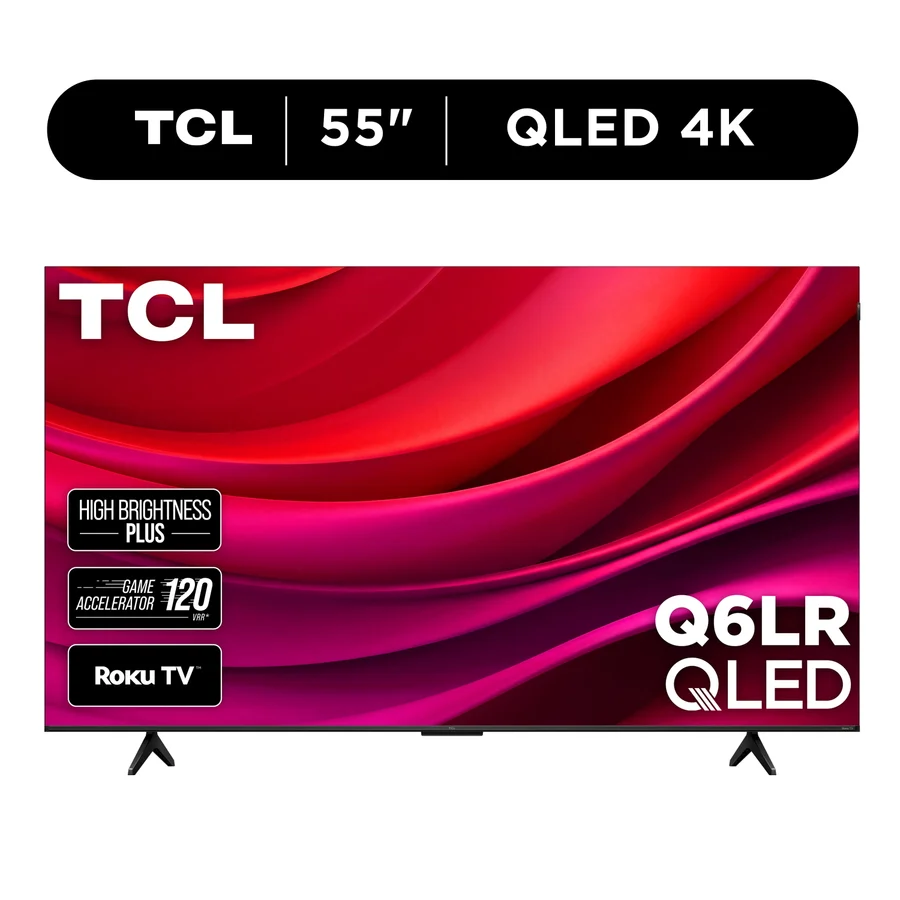
The 55Q51K is the 55-inch Google TV option. The 75QM51L pairs a larger 75-inch screen with QD-Mini LED, while the 55Q6LR is the 55-inch choice for someone who prefers Roku.

At a glance. Specifications are listing claims unless stated otherwise.
ProductEditorial scoreConsider it forKey detailsKeep in mind
TCL 55Q51KRead the comparison8.2 /10Research-baseda 55-inch Google TV setup55-inch screen
4K QLED
Google TV

Motion Rate 240 is not evidence of a native 240Hz panel. Confirm the actual supported resolution and refresh rate at the HDMI input if gaming performance matters.

TCL 75QM51LRead the comparison8.3 /10Research-baseda larger Mini LED screen75-inch screen
4K QD-Mini LED
Google TV

Series-wide claims about dimming-zone counts may not describe every size. Verify the exact 75QM51L specification and mounting requirements rather than transferring details from another QM model.

TCL 55Q6LRRead the comparisonComparison onlya 55-inch Roku setup55-inch screen
4K QLED
Roku TV

Game Accelerator 120 should not be read as proof of native 4K at 120Hz. Confirm the supported input modes for your console or computer.

TCL 55Q51K

EDITORIAL SCORE 8.2 /10

For a 55-inch Google TV setup

  • 55-inch screen
  • 4K QLED
  • Google TV

Motion Rate 240 is not evidence of a native 240Hz panel. Confirm the actual supported resolution and refresh rate at the HDMI input if gaming performance matters.

Read the comparison

TCL 75QM51L

EDITORIAL SCORE 8.3 /10

For a larger Mini LED screen

  • 75-inch screen
  • 4K QD-Mini LED
  • Google TV

Series-wide claims about dimming-zone counts may not describe every size. Verify the exact 75QM51L specification and mounting requirements rather than transferring details from another QM model.

Read the comparison

TCL 55Q6LR

Comparison only · no editorial endorsement

For a 55-inch Roku setup

  • 55-inch screen
  • 4K QLED
  • Roku TV

Game Accelerator 120 should not be read as proof of native 4K at 120Hz. Confirm the supported input modes for your console or computer.

Read the comparison

02 / Find your pick

What matters to you?

Choose a use case to jump to the relevant comparison. This is a navigation aid, not a personalized test result.

TCL 55Q51K television with colorful display

TCL 55Q51K

A 55-inch 4K QLED television using Google TV.

See this comparison ↓

03 / A closer look

The details that make a difference.

TCL 55Q51K television with colorful display
EDITORIAL SCORE
8.2/10
Research-based assessment

A 55-inch 4K QLED television using Google TV. Score reflects listed strengths and trade-offs, not hands-on tests.

01 / For a 55-inch Google TV setup

TCL 55Q51K

A 55-inch 4K QLED television using Google TV.

This is the smaller Google TV model in the comparison. Choose it as a starting point if the room suits a 55-inch screen and you already prefer Google's app and account environment.

  • 55-inch screen
  • 4K QLED
  • Google TV
Before you choose

Motion Rate 240 is not evidence of a native 240Hz panel. Confirm the actual supported resolution and refresh rate at the HDMI input if gaming performance matters.

Check price at Walmart

Opens the linked product page. Confirm the exact model and any current purchase terms.

How we reached this verdictStrengths, caveats and our editorial score calculation8.2 /10

Research-based editorial assessment

Review verdict

TCL 55Q51K. A 55-inch 4K QLED television using Google TV. This is the smaller Google TV model in the comparison. Choose it as a starting point if the room suits a 55-inch screen and you already prefer Google's app and account environment.

What to keep in mind
  • Motion Rate 240 is not evidence of a native 240Hz panel.
  • Confirm the actual supported resolution and refresh rate at the HDMI input if gaming performance matters.

Where it fits best

For a 55-inch Google TV setup

This is the smaller Google TV model in the comparison. Choose it as a starting point if the room suits a 55-inch screen and you already prefer Google's app and account environment.

Before you buy

Motion Rate 240 is not evidence of a native 240Hz panel. Confirm the actual supported resolution and refresh rate at the HDMI input if gaming performance matters.

Who should buy it?

Consider this product when your priority matches for a 55-inch google tv setup and its listed features fit your setup. Compare the other options above and check the precise model, included accessories and retailer terms before ordering.

How we calculated 8.2/10

We weighted five criteria relevant to this guide. The values are editorial judgements based on the product descriptions, documented specifications and limitations. They are not independent performance measurements, laboratory test scores or customer ratings.

Display & platform features8.2 × 30%
Room / viewing fit8.7 × 25%
Practical connections8.3 × 20%
Refresh-rate caveats7.5 × 15%
Model-spec confidence8.1 × 10%

Weighted editorial score: 8.2 / 10Listing research checked 3 November 2026

TCL 75QM51L large-screen television
EDITORIAL SCORE
8.3/10
Research-based assessment

A 75-inch 4K QD-Mini LED television using Google TV. Score reflects listed strengths and trade-offs, not hands-on tests.

02 / For a larger Mini LED screen

TCL 75QM51L

A 75-inch 4K QD-Mini LED television using Google TV.

The larger screen and Mini LED backlighting are the main differences from the other two listings. It warrants a closer look if you have measured for a 75-inch display and want to compare local-dimming capabilities.

  • 75-inch screen
  • 4K QD-Mini LED
  • Google TV
Before you choose

Series-wide claims about dimming-zone counts may not describe every size. Verify the exact 75QM51L specification and mounting requirements rather than transferring details from another QM model.

Check price at Walmart

Opens the linked product page. Confirm the exact model and any current purchase terms.

How we reached this verdictStrengths, caveats and our editorial score calculation8.3 /10

Research-based editorial assessment

Review verdict

TCL 75QM51L. A 75-inch 4K QD-Mini LED television using Google TV. The larger screen and Mini LED backlighting are the main differences from the other two listings. It warrants a closer look if you have measured for a 75-inch display and want to compare local-dimming capabilities.

What to keep in mind
  • Series-wide claims about dimming-zone counts may not describe every size.
  • Verify the exact 75QM51L specification and mounting requirements rather than transferring details from another QM model.

Where it fits best

For a larger Mini LED screen

The larger screen and Mini LED backlighting are the main differences from the other two listings. It warrants a closer look if you have measured for a 75-inch display and want to compare local-dimming capabilities.

Before you buy

Series-wide claims about dimming-zone counts may not describe every size. Verify the exact 75QM51L specification and mounting requirements rather than transferring details from another QM model.

Who should buy it?

Consider this product when your priority matches for a larger mini led screen and its listed features fit your setup. Compare the other options above and check the precise model, included accessories and retailer terms before ordering.

How we calculated 8.3/10

We weighted five criteria relevant to this guide. The values are editorial judgements based on the product descriptions, documented specifications and limitations. They are not independent performance measurements, laboratory test scores or customer ratings.

Display & platform features9.0 × 30%
Room / viewing fit8.8 × 25%
Practical connections7.7 × 20%
Refresh-rate caveats7.2 × 15%
Model-spec confidence7.7 × 10%

Weighted editorial score: 8.3 / 10Listing research checked 3 November 2026

TCL 55Q6LR Roku television

03 / For a 55-inch Roku setup

TCL 55Q6LR

A 55-inch 4K QLED television with Roku built in.

The platform is the easiest distinction from the 55Q51K. Consider it if Roku's interface and supported apps match how you watch, then compare the exact ports and stand dimensions.

  • 55-inch screen
  • 4K QLED
  • Roku TV
Before you choose

Game Accelerator 120 should not be read as proof of native 4K at 120Hz. Confirm the supported input modes for your console or computer.

Comparison only · no endorsed purchase pick

Opens the linked product page. Confirm the exact model and any current purchase terms.

04 / Buying advice

Check the details that matter.

Choose the size with a tape measure

Measure the cabinet width, stand footprint and wall space. The diagonal screen measurement does not tell you the complete TV width or the distance between its feet.

Separate display labels from measured results

QLED describes a display technology, while Mini LED concerns the backlight. Neither label by itself establishes brightness, contrast or viewing-angle results for a specific model.

Verify the modes your devices need

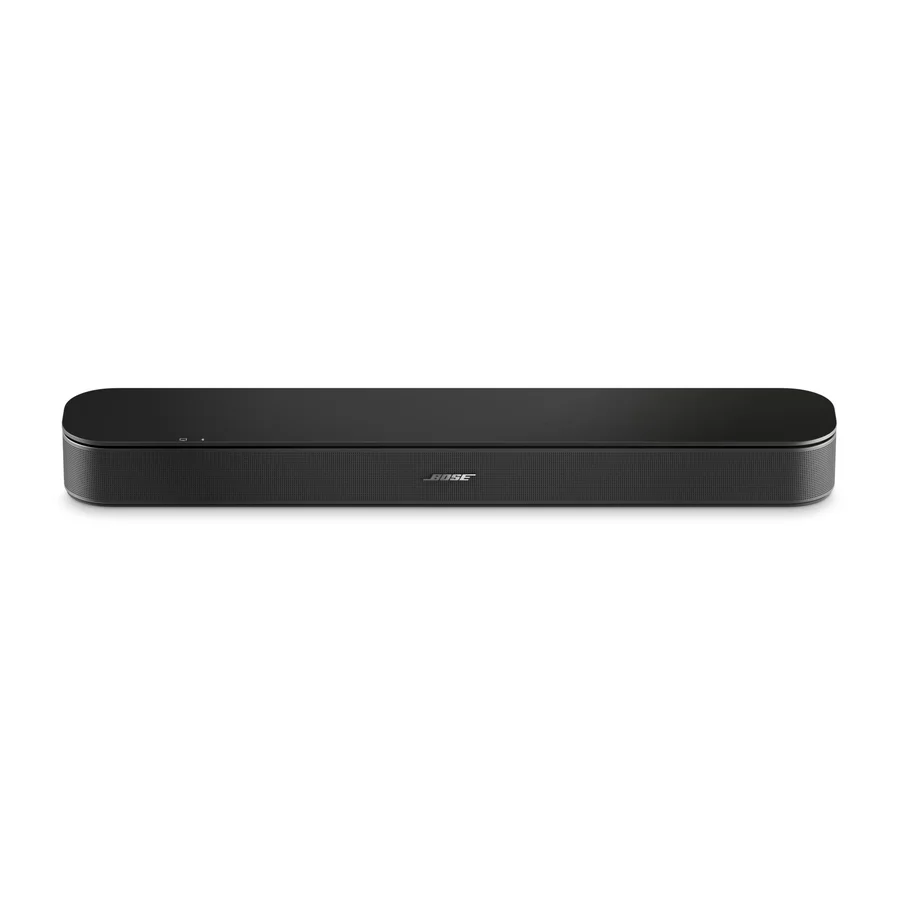
For a console, check resolution, native refresh rate and supported HDMI features together. For a soundbar, identify the ARC or eARC port and any setup requirements.

How this comparison was put together

We reviewed the exact retailer and manufacturer pages, product identities and supplied photographs on November 3, 2026. The selections compare tcl tvs by use case and practical tradeoffs. Specifications are attributed listing information unless a manufacturer source is identified. We have not conducted hands-on testing. Where shown, editorial scores are subjective, research-based assessments of listed features, suitability and limitations. unconfirmed performance, certification and medical claims are not treated as established results.

06 / FAQs

A few things worth knowing.

Which of these TCL TVs uses Roku?

The 55Q6LR uses Roku. The 55Q51K and 75QM51L listings use Google TV. Check the exact model code because similar names can refer to different platforms.

Is Motion Rate 240 the native refresh rate?

Do not treat a branded motion figure as the panel refresh rate. Verify the exact model's native rate and supported input modes before using that number in a gaming comparison.

Does QLED mean OLED?

No. These QLED listings use LCD-based display designs. OLED is a different display technology, so do not transfer OLED characteristics to these televisions.

Does Game Accelerator 120 guarantee 4K at 120Hz?

No. Check the supported resolution for each high-refresh mode in the exact model documentation. A mode label alone is insufficient.

Which model has the largest screen?

The 75QM51L has a listed 75-inch screen. The other two are 55-inch models. Allow for the complete cabinet, stand and any installation clearances.

Can I connect a soundbar?

Check the TV's audio outputs against the soundbar inputs. Identify the exact ARC or eARC port, use a suitable cable and follow the audio settings in both manuals.

Make the choice fit your day.

Pick the screen size and smart platform that suit your room, then verify the exact model code and input modes. Avoid turning motion-marketing labels into performance promises.

Back to the shortlist ↑