Ask one useful question first
Ask which game or accessory is on their wishlist and what device it is for. If you want to preserve some surprise, ask a household member to confirm the exact model and what the recipient already owns.
Check whether the device uses physical games, downloads or both. Read the complete edition name so you know whether you are buying the base game, an expansion or extra content that requires another purchase.
A genre preference helps narrow the choice, but it does not establish which title or edition will be welcome.
Treat controllers and audio as compatibility purchases
Check the manufacturer's supported platforms and connection requirements. A controller working with one computer or phone does not guarantee support for a particular console or game.
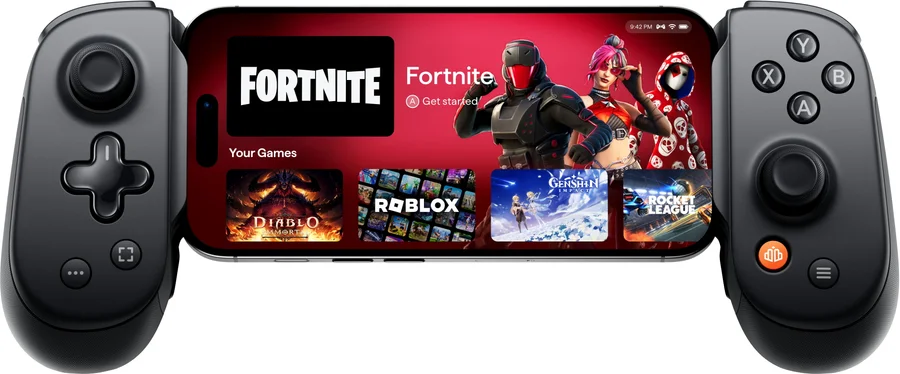
For headphones, check audio and microphone support separately. For mobile accessories, confirm the phone's dimensions, connector and case clearance.
Our mobile-controller comparison helps identify these differences before choosing a model. Keep the packaging so the recipient can check fit and function.
Let personal preferences guide desk equipment
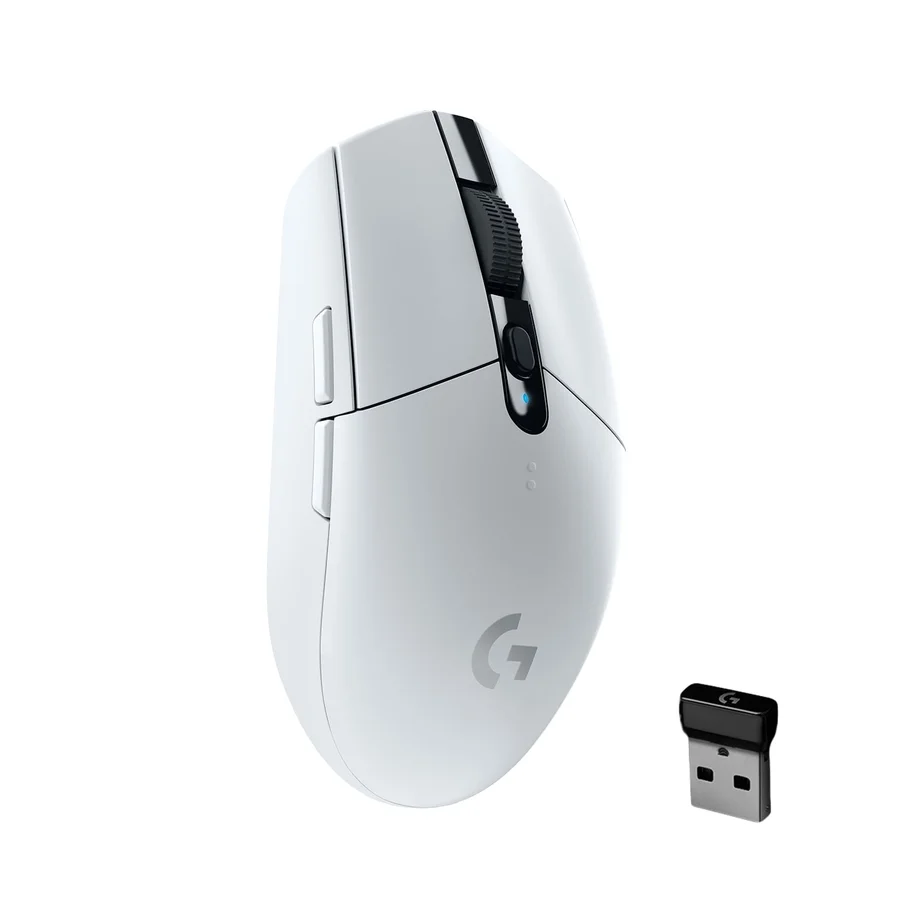
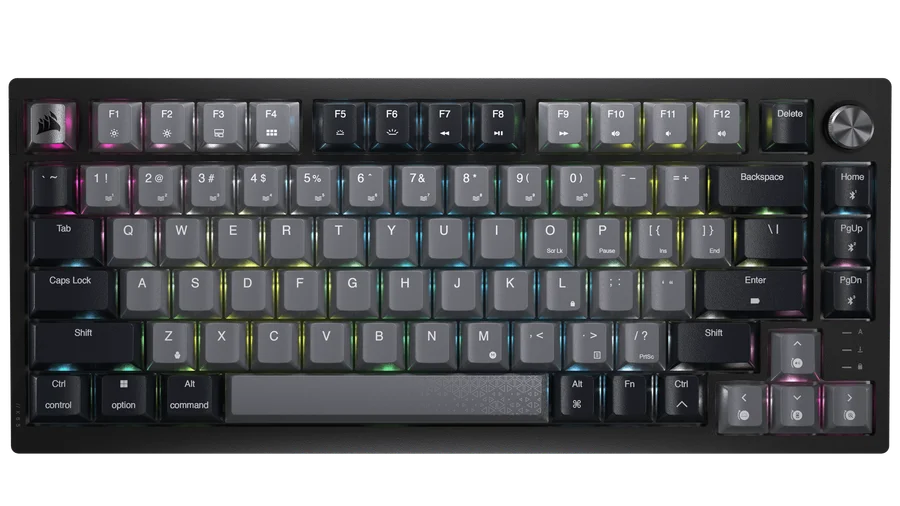
A keyboard's layout and feel, a mouse's shape and a desk's available space are personal choices. Avoid assuming that a larger specification number makes a better gift.
Use the recipient's requested model where possible. Our keyboard guide and mouse comparison describe the featured options, but hands-on fit remains individual.
A desk mat, cable organizer or storage accessory may be easier to choose when you know the dimensions and style of the setup. Check that it solves a real problem rather than adding clutter.
Check digital gift rules at the source
Use the platform's official gift process and read its current conditions. Steam's region-restriction guidance explains why availability and redemption can depend on location.
Confirm the account region, product type and refund conditions before buying. A wallet code, a specific game and a subscription are different gifts with different requirements.
Never ask for the recipient's account password to deliver a gift. Use the supported gifting route or let them redeem an appropriate purchase themselves.
Include the time to enjoy it
A planned session together can be part of the gift if the recipient wants that. Check whether additional players need their own copy, controller or subscription before arranging it.
Leave updates and setup choices to the owner unless they ask for help. Keep receipts and describe exactly what is included. The most useful gaming gift is one that works with the person's existing setup and tastes.
Identify the actual gaming platform
Ask whether the recipient plays on a current console, older console, computer, handheld or phone. A game with the same title may have different versions and account requirements. Check the exact device and region before buying a disc, download code or accessory. Some consoles lack a disc drive; an expansion may require the base game. A gentle question about a wishlist can preserve the surprise while avoiding an unusable gift. Write down the model name and account region, then verify the product page before checkout. A broad label such as “for gamers” is less useful than a clear fit for one person’s setup.
Check content and age ratings
For a child or teenager, review the game’s current rating and content descriptors rather than relying on cover art. The ESRB rating guide explains age categories and what the descriptors indicate. Look for online interactions and in-game purchases, which may be important to a parent or caregiver. Ask about household rules before purchasing a title or store credit. A rating is a starting point for a family decision, not a guarantee that every player of that age will enjoy the game. The recipient’s interests and the specific content still matter.
Treat controllers as compatibility purchases
A controller can feel like a safe gift, but support may vary by console generation, operating system and game. Check the manufacturer’s supported-device list and whether a wireless adapter, cable or account is required. Think about hand size, button layout and accessibility needs. Do not assume that a high-priced controller is better for someone who prefers a familiar shape. If they play multiplayer locally, ask whether an extra controller would actually be used and whether it needs its own charger. Save the receipt and packaging so a compatibility mistake can be corrected easily.
Choose audio for the way they play
A headset used for chat needs a working microphone on the target platform, not just good music playback. Check wired and wireless connections separately, including any platform-specific limitations. Comfort over a long session, replaceable cushions and a sensible volume control can matter more than a dramatic design. If the recipient already uses a preferred headset, a replacement part or stand may be more useful than another set. Avoid buying a device that requires installing unfamiliar software on a shared or managed computer without checking first. A clear return policy is valuable for fit and comfort.
Match gift cards to the account region
Digital store credit is flexible only when it can be redeemed by the intended account. PlayStation’s voucher support says codes must match the account’s region. Other platforms have their own terms. Buy from an authorized seller, keep proof of purchase and confirm whether the recipient can use the balance for the title or subscription they want. For a child account, check how funds and spending limits are managed. Do not send a code in an insecure public message. A gift card solves uncertainty about taste, but it does not solve uncertainty about the platform.
Consider the space around the game
A desk mat, lamp, cable organizer or charging dock may improve a gaming space, but measure first. A large keyboard can crowd a small desk; a monitor arm needs a compatible display and sturdy mounting surface. Ask what annoys the recipient about the current setup. If the answer is comfort, a chair should usually be chosen by the user after trying it rather than gifted blindly. Keep powered accessories within the outlet and cable arrangements the manufacturer recommends. A tidy, comfortable space can be more useful than another performance claim on a box.
Finish with a return-friendly purchase
The FTC’s online-shopping guide recommends checking delivery, seller identity and refund terms. Keep the order details and make it easy for the recipient to exchange an item after opening it. Avoid a subscription that renews automatically unless the recipient understands and wants it. If the planned game has a release date, confirm that it is available for the correct platform and region before promising it. A good gaming gift fits the device, the person and the household’s rules, and leaves a simple route to correct a mismatch.
Use a small test for an uncertain choice
If you are unsure about a new genre, consider a lower-cost title, a short subscription period with clear terms, or a shared visit to a game shop instead of a large purchase. Check whether the recipient already owns the game through another account or service. Ask what they play with friends and whether cross-platform play is supported for the particular title. A gift can also be time together: help set up a local co-op evening using a game they already enjoy. That respects the person’s taste and avoids filling a shelf with unopened boxes.
This article draws on the linked primary sources and practical explanations. It does not report hands-on testing or a personalized assessment.