
The Gadget Nerds / Electronics
Electronics for the setup you actually use.
Start with the device and the job it needs to do. These guides organize computers, displays, cameras and supporting equipment so you can check the connections and practical differences before choosing.
Original editorial photography. Browse the collection below.
01 / 13 guides and articles
Computers and desk equipment
Find a computer format, screen or peripheral that fits the space and the work.
Buying guide
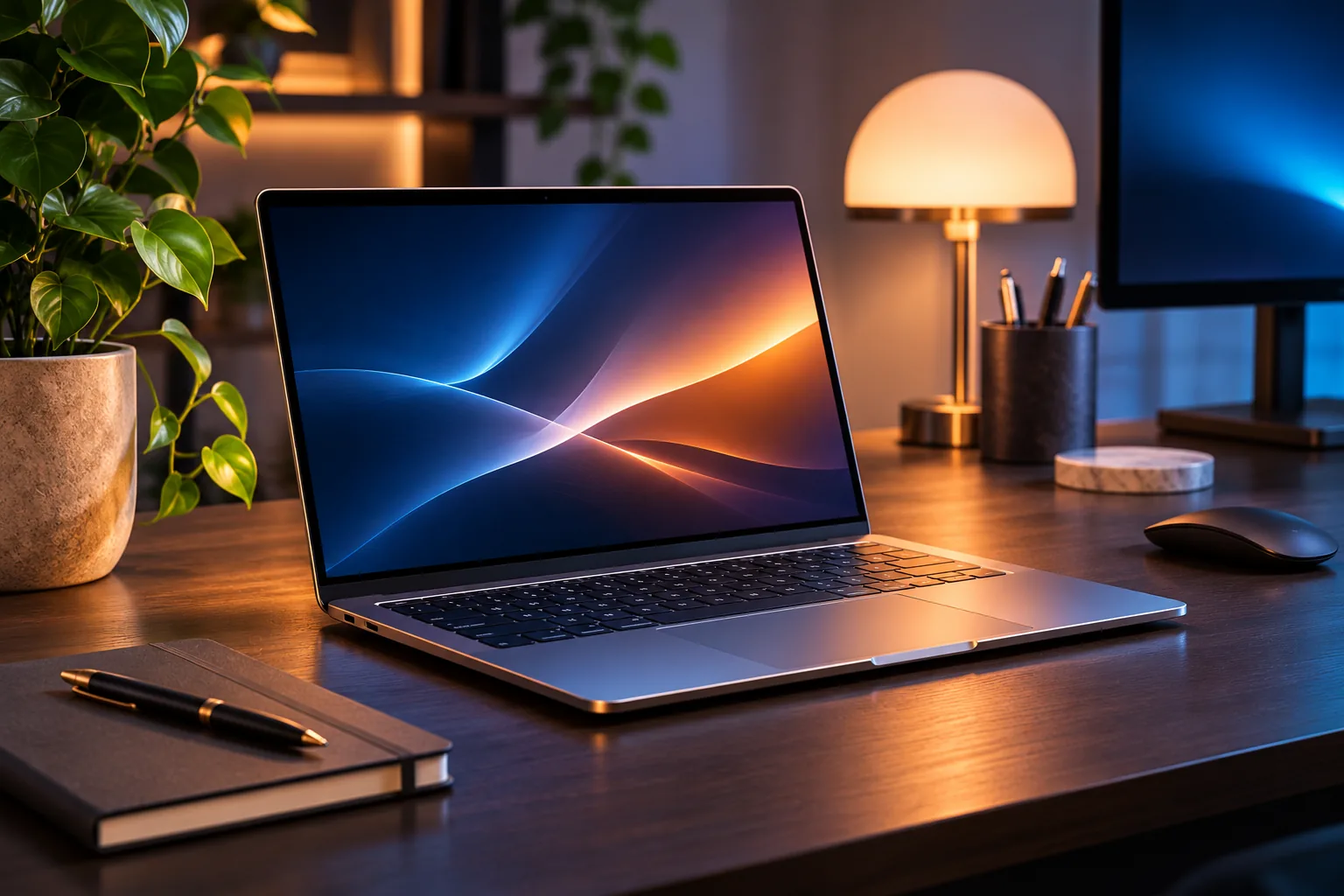
Laptops
Compare five Windows and Chromebook laptop offers from HP, Acer, Lenovo and ASUS. Check memory, storage, screen fit and software compatibility.

Buying guide
College laptops
Compare three mapped college laptops from HP, Acer and Lenovo. Check Windows versus ChromeOS, memory, screen size and course-software compatibility.
Buying guide
Chromebooks
Compare three Chromebooks from Acer, ASUS and Lenovo by memory, screen and storage. Check software compatibility and the exact update-support date.
Buying guide
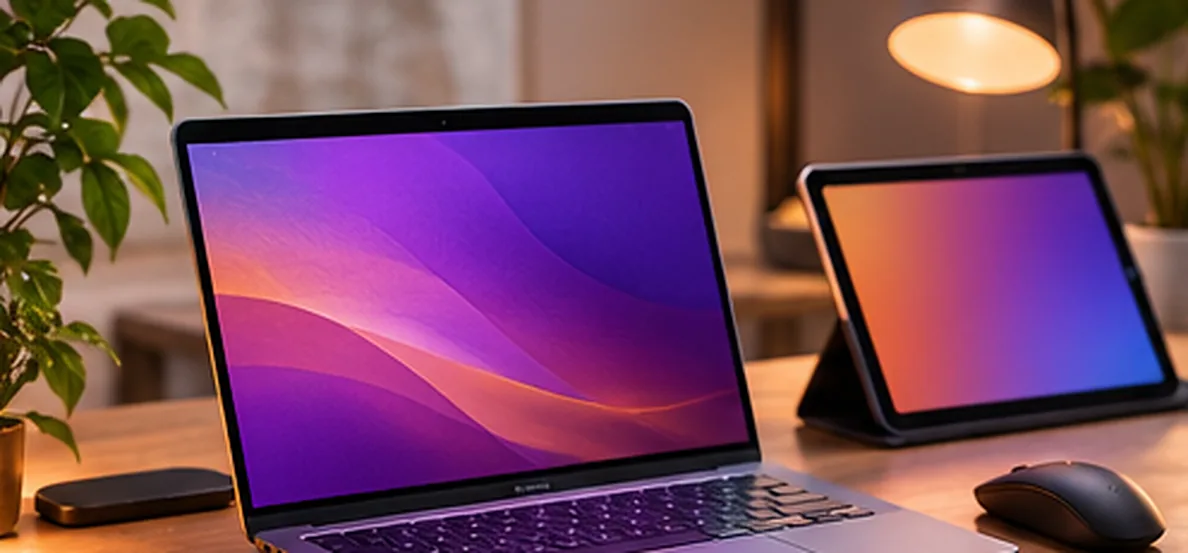
MacBooks
Compare MacBook Neo A18 Pro, 14-inch MacBook Pro M5 and 13-inch MacBook Air M5. See the exact memory, storage and connection differences.

Buying guide
Mini desktop PCs
Compare three mini PCs by exact processor, memory, SSD and connections. See GMKtec G10, GMKtec M8 and a Blackview Ryzen configuration.
Buying guide
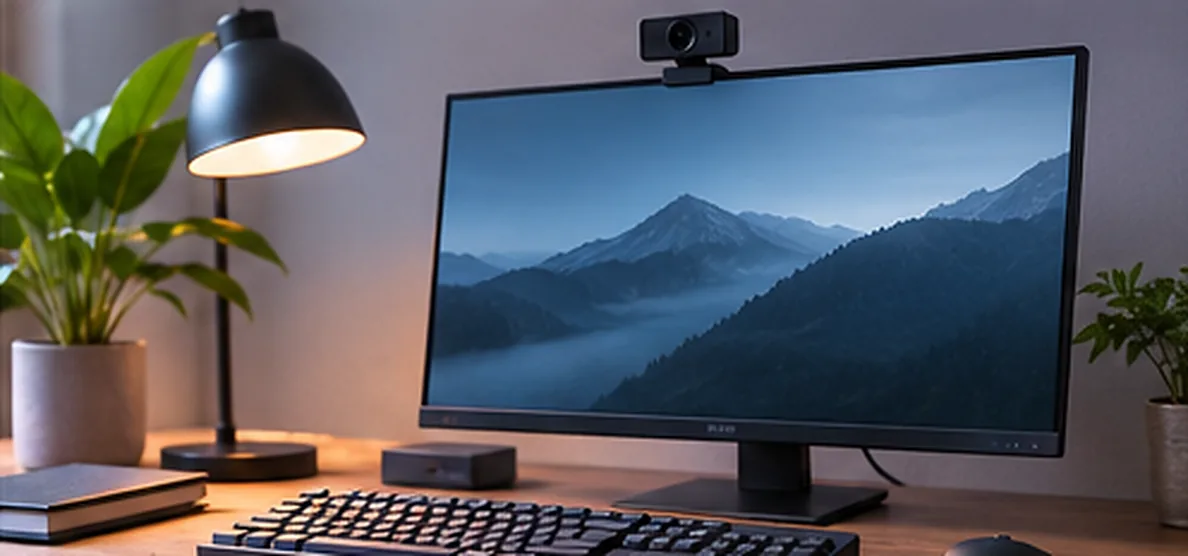
24-inch monitors
Compare LG 24G41WB, Philips 241V8LBS and Dell SE2426H monitors. Check Full HD resolution, refresh rates, ports and the meaning of response-time claims.
Buying guide
27-inch monitors
Compare two Samsung 27-inch curved monitors by resolution, refresh rate and connections. See the differences between Essential S3 and Odyssey G55C.

Buying guide
4K monitors
Compare three 27-inch 4K monitors: TCL dual-mode Mini LED, Samsung Odyssey OLED G8 and LG UltraFine IPS. Check refresh rates, connections and desk fit.
Buying guide
Thunderbolt docks
Compare Dell SD25TB4, Plugable Thunderbolt 4 dual-HDMI dock and Microsoft Surface Thunderbolt 4 docks. Check laptop charging, monitor support and port compatibility.

Buying guide
Laptop stands
Compare onn, KEXIN and Incipio laptop stands by adjustment, portability and device fit. Check screen-size claims, support points and finish before buying.
Buying guide
Laptop cooling pads
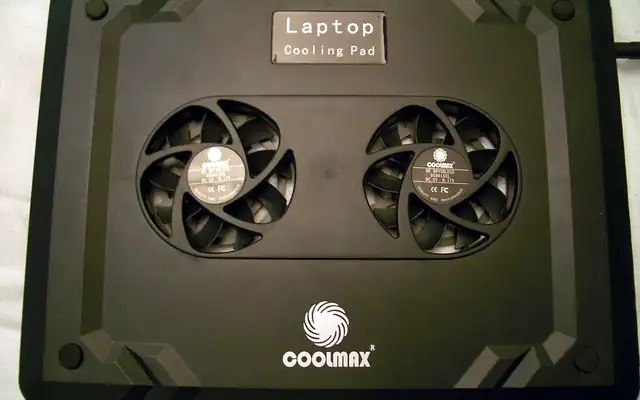
Compare five laptop cooling pads by fit, fan controls, stand adjustment and USB functions. See listing conflicts and the limits of cooling claims.
Buying guide
All-in-one printers
Compare Brother, Canon, Epson and HP all-in-one printers. Check ink tanks versus cartridges, scanning, monochrome printing and subscription conditions.

Buying guide
3D printers
Compare Entina Tina2C and four Flashforge 3D printers. Check build volume, color-changing systems, enclosure and the limits behind maximum-speed claims.
02 / 7 guides and articles
Cameras and image-making
Compare camera formats by how and where you plan to take pictures.
Buying guide
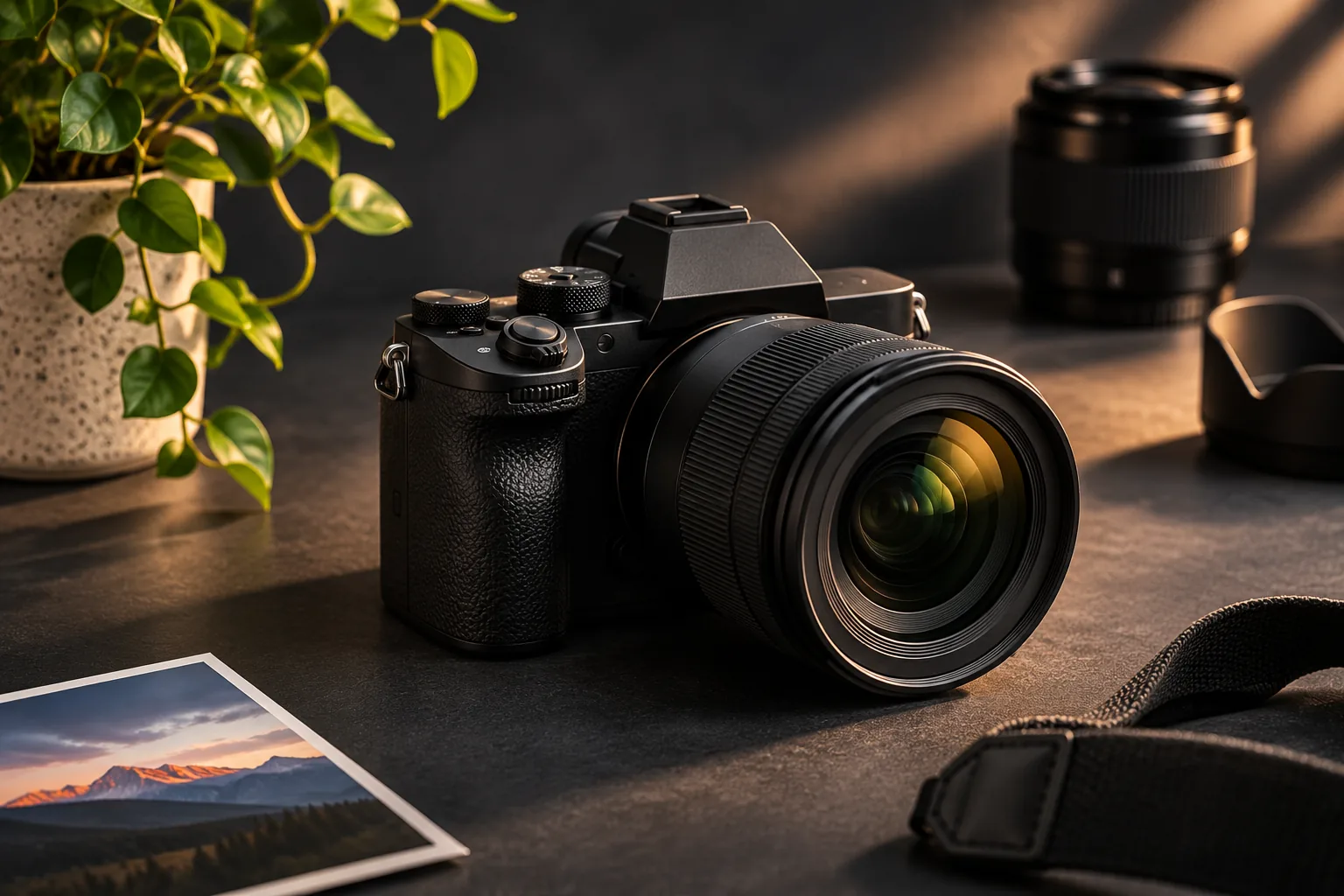
Canon DSLR cameras
Compare Canon Rebel T7, EOS 90D and EOS 80D lens kits. Check autofocus, video modes, included lenses and seller bundle details before choosing.
Buying guide
Nikon DSLR cameras
Compare Nikon D7500, D5600 and D850 international-model offers. Check DX versus FX, included lenses, bundle accessories and Nikon USA warranty limitations.

Buying guide
Sony mirrorless cameras
Compare Sony a7 V, a7 III and a6700 retailer packages. Check full-frame versus APS-C sensors, included lenses, accessory bundles and seller details.
Buying guide
360 cameras
Compare Insta360 X5, GoPro MAX and Insta360 X4 Air. Understand spherical resolution, reframing, replaceable lenses and accessories before choosing.
Buying guide
Camera drones
Compare five camera drones from Sharper Image, Voyage, DJI and Wefone. Check stabilization, controller screens, battery claims and exact bundle contents.

Buying guide
Underwater cameras
Compare five underwater camera options from SEREE, AKASO, Vivitar, Fujifilm and GoPro. Check housing requirements, depth limits, film and stabilization.
Buying guide
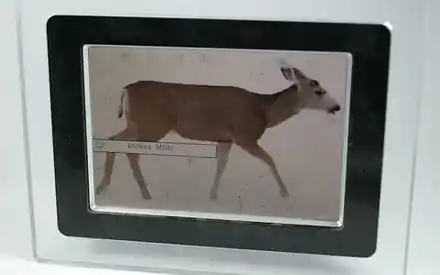
Digital picture frames
Compare five digital picture frames by screen size, sharing app and local playback. Find Frameo, Uhale and offline options with clear limitations.
03 / 6 guides and articles
Screens and connections
Follow the TV hub for the full collection, or start with a display and its supporting equipment.

Buying guide
Televisions
Compare five televisions from 43 to 86 inches. See how size, OLED and LED hardware, connections and platform requirements affect the choice.
Buying guide
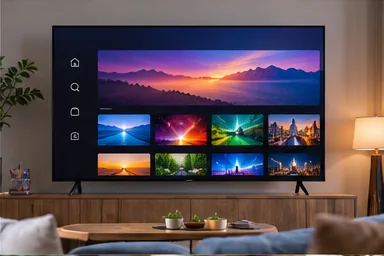
Smart TVs
Compare five smart TVs using Tizen, webOS and Google TV. Check apps, accounts, casting, screen size and the differences behind display labels.
Buying guide
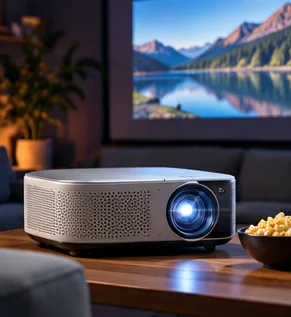
Projectors
Compare HAPPRUN Roku TV, VANKYO H500R and RCA Roku projectors. Check native resolution, brightness claims, focus controls and room requirements.

Buying guide
Wi-Fi extenders
Compare three TP-Link and NETGEAR Wi-Fi extenders by wireless generation, placement and wired options. Understand speed-class and mesh limitations.
Buying guide
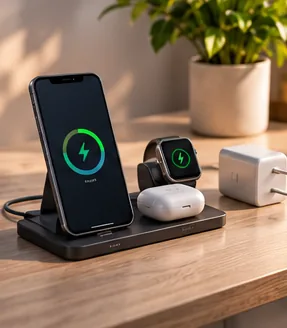
Qi wireless chargers
Compare five Qi charging pads and stands by device support, claimed output and included adapters. Check compatibility before choosing a wireless charger.
Buying guide
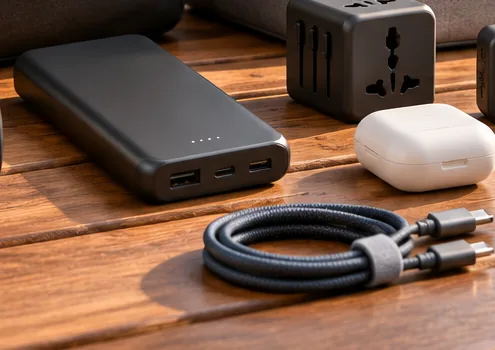
Portable power banks
Compare Bailibatt, Pocket Juice and onn portable power offers. Check USB output, battery capacity, AC limitations and travel requirements.
04 / 6 guides and articles
Setup and troubleshooting
Read the explanation before buying an accessory to solve the problem.

Practical article
Use a laptop as a second screen
Check whether your laptop can receive a wireless display connection, understand HDMI input limits and choose a practical second-screen setup.

Practical article
Troubleshoot a loud laptop fan
Check workload, airflow and model-specific diagnostics when a laptop fan becomes loud, and recognize when continued use or improvised cleaning is unwise.

Practical article
Clean a laptop keyboard
Clean a laptop keyboard using model-specific guidance. Separate surface cleaning from debris removal, protect openings and know when to stop for service.

Practical article
Clean a laptop screen
Check your display coating and manufacturer instructions before cleaning a laptop screen. Use gentle surface care and avoid spraying liquid into openings.

Practical article
How a camera works
Follow light through a camera and learn what the lens, aperture, shutter and sensor do, plus how film, DSLR and mirrorless designs differ.

Practical article
How 360 cameras work
Learn how a 360 camera combines lens views, why stitching seams happen and how reframing turns spherical footage into a conventional video.