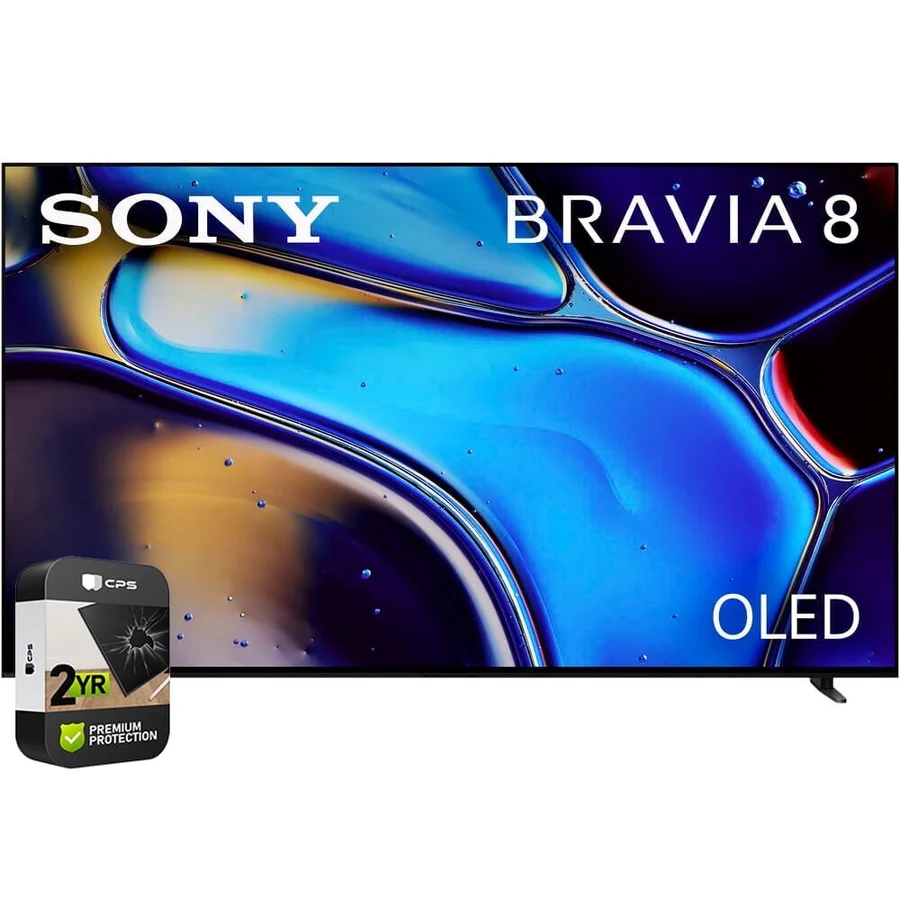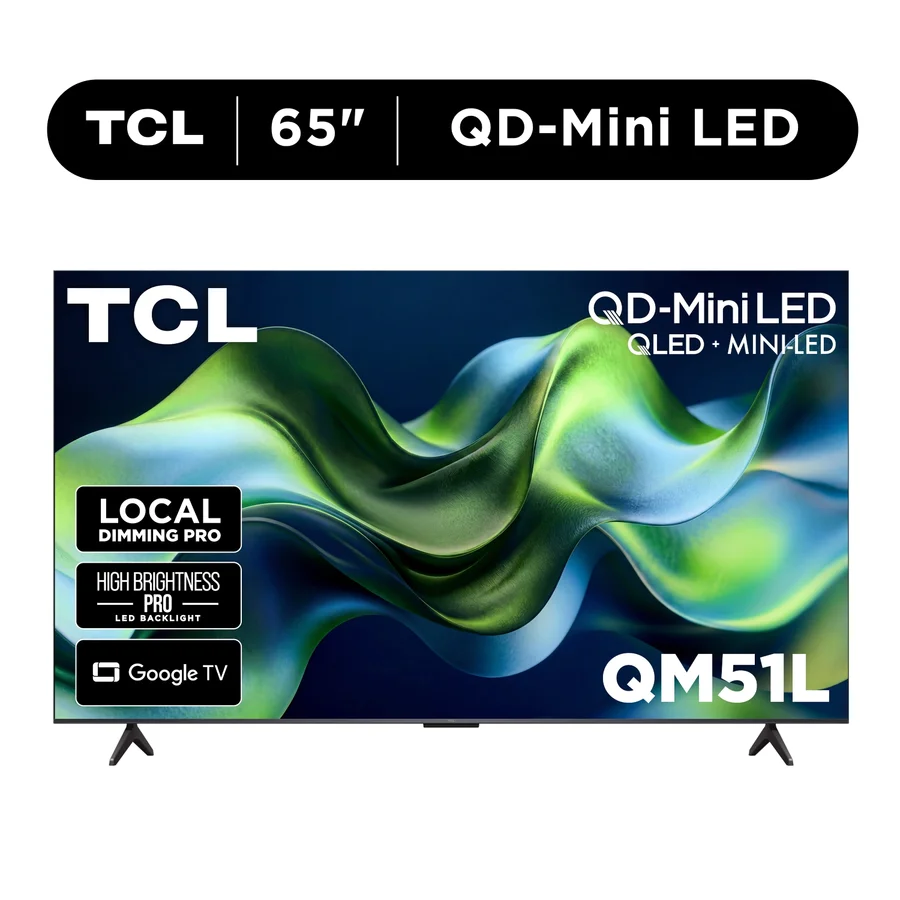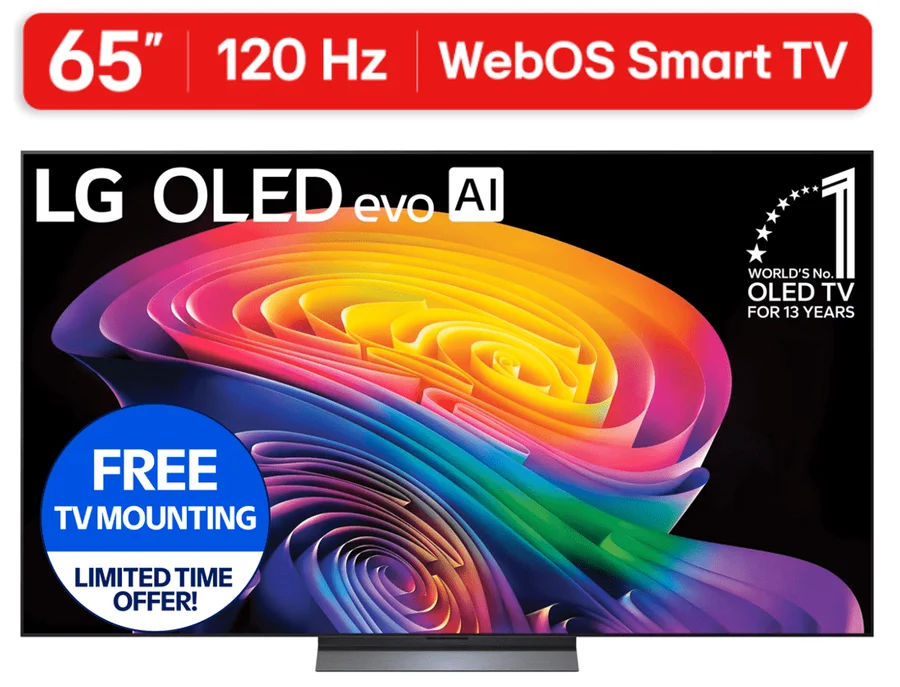

Start with an equivalent shortlist
Write down the full model number, screen size and regional version for each candidate. A review of another size or an older series may not describe the set you are buying.
Compare the delivered purchase, including any stand, installation or audio equipment required. Do not put an entry-level television from one brand against a premium model from the other and treat the result as a verdict on both companies.
Our 4K TV checklist helps turn room dimensions and connected devices into a useful shortlist.
Identify the actual display technology
Samsung's display comparison guide describes several television categories, including OLED and Neo QLED. LG's OLED and QNED guide likewise distinguishes different approaches within its range.
OLED uses self-emissive pixels. LCD-based televisions use a backlight, with the implementation varying by model. A marketing family name does not specify every aspect of the panel or local-dimming system.
Use those guides to understand terminology, then check the exact specification sheet. Our OLED comparison provides a starting point for that category without treating it as the right answer for every room.
Compare the picture under relevant conditions
Consider daytime reflections, evening viewing, seating angles and the kinds of material you watch. A store demonstration may use settings and content unlike your normal use.
Look at familiar scenes if possible. Check faces, subtitles, motion and dark areas. Separate an HDR-format compatibility claim from evidence about how a particular screen reproduces demanding content.
Read model-specific assessments and understand their test conditions. Avoid carrying a performance claim from one product series across an entire brand.
Map your devices and try the interface
List the console, receiver, soundbar and other sources that need connections. Confirm the features on each input, including the port used for audio return. The number of HDMI sockets alone does not establish their capabilities.
Check the apps available in your region, the remote layout and accessibility settings. Try switching inputs and finding the settings you expect to use.
Choose based on the tasks that matter to you. An unfamiliar interface can be learned, but a missing required app or input feature may be a more substantial problem.
Check ownership details before ordering
Compare warranty terms, return arrangements and the support documentation for the specific regional model. Confirm the stand footprint or mounting requirements and the delivery route into your room.
Keep the final choice attached to the two model numbers and your priorities. That produces a more useful decision than declaring Samsung or LG the permanent winner.
Compare the 2026 ranges without assuming every model is alike
Samsung's current model-range explanation spans OLED, Neo QLED, Mini LED, QLED, Crystal UHD and The Frame. LG's current buying guide includes OLED evo and QNED evo Mini LED, among other lines. Those names help organize a search, but neither manufacturer says every feature is present at every size and price. LG explicitly notes that features can vary by model and screen size.
Start with two full model numbers sold in your region, at the same diagonal or the closest practical size. Note the year and suffix. A discount on an older model can be worthwhile, but its inputs, software and support may differ from a similarly named newer set. Use the exact product pages to verify each claim before comparing prices.
Separate display type from implementation
OLED pixels emit their own light. LCD televisions use a backlight, sometimes with Mini LED and local dimming. Those are broad design differences, not a measured verdict on two specific TVs. Brightness, reflections, near-black handling, viewing angle and motion depend on the particular panel and processing. A premium LCD can suit a bright shared room while an OLED may appeal for dark-room contrast, but a reliable choice still needs model-level evidence.
When a product advertises a proprietary label, find the underlying display type and read its independent measurements under relevant conditions. Do not assume “QLED” means the same backlight or dimming system at every price. Check whether a review covers the size you intend to buy; specifications and features can change within a series.
Test the picture in your room's conditions
Make a list of the times and places people watch. A wall opposite a bright window places different demands on a screen than evening viewing with controlled lights. Reflections, seating angles and subtitle readability can matter more than a dramatic store demo. If possible, compare familiar material with picture modes that resemble ordinary home use.
Look for evidence on sustained brightness, contrast, dimming behavior and motion rather than relying on a manufacturer's demonstration video alone. Manufacturer guides explain intended features; independent measured reviews can help test whether they deliver. Keep claims attached to the exact model and screen size. Neither brand has a single picture-quality answer that applies across its whole range.
Check every HDMI task separately
List what will connect: a console, computer, soundbar, receiver, cable box or streaming device. For each one, note the required resolution, refresh rate, variable refresh support and audio-return behavior. A television may offer those functions on particular ports or with certain settings. Samsung's gaming connection support page shows why model and port details matter; compatibility guidance differs by year and model.
Read both the television and device specifications. Confirm the eARC or ARC port for the soundbar and which HDMI inputs support the gaming modes you need. A socket labeled HDMI 2.1 does not, by itself, answer every feature question. If you own several high-bandwidth devices, count the ports that actually support the required combination.
Try the software and daily controls
Samsung's Tizen-based interface and LG's webOS-based interface organize apps, inputs and settings differently. Before deciding, check the apps in your region, how quickly you can reach a frequently used input, accessibility features and the remote layout. Voice controls and account features vary by model and region, so compare the actual product pages rather than generic platform descriptions.
Also check software-update and privacy controls. The TV may become a household hub, with several accounts and connected devices. Decide whether everyone can find what they need without a complicated sequence. A technically impressive panel can still be frustrating if a required app, input or control is missing.
Make the decision with a short scorecard
- Record the full model, year, regional suffix, size and delivered price.
- Mark your room's reflection and seating needs.
- Check exact display type and model-level picture evidence.
- List every required HDMI and audio feature by port.
- Confirm regional apps, remote usability and accessibility.
- Compare warranty, return conditions, stand and mounting dimensions.
Weight the items according to your household rather than awarding a winner to a logo. If one model meets every required connection and the other does not, that difference is more useful than a broad claim about which brand is “better.” Revisit the scorecard when pricing changes; a good comparison should stay tied to the actual products on offer.
This article draws on the linked primary sources and practical explanations. It does not report hands-on testing or a personalized assessment.